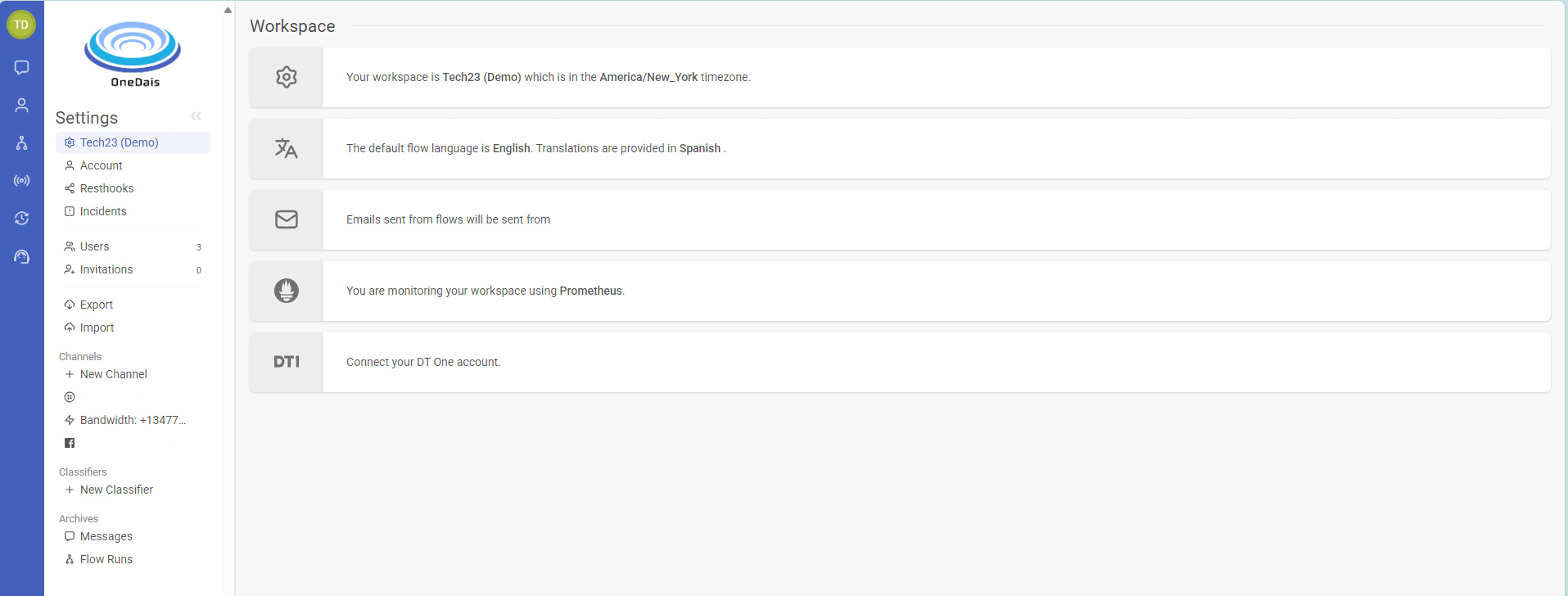
Workspace Settings Primer
Your workspace settings page is the heart of your workspace. From here, you can:
- View, add or remove channels
- Add a classifier like witbot.ai
- Add a ticketing service like Zendesk or via email
- Manage child workspaces
- Edit the name and owner email address of your workspace
- Change your timezone and date/time format and country location
- Configure a reply-to email
- Connect to DT One to send airtime
- Create flow events for Zapier integrations
- Configure global variables
- Set your primary language and add languages you want to provide translations in
- Configure a webhook that communicates with an external application
- View archives